v2.1.0
A New Name & a Faster iPad Menu
Screen Annotations is now Lumary Canvas. Both apps share the one name, and nothing about your work changes: your boards, designs, saved .screenannotation files, iCloud sync, and AI tool setups all carry on as they were. On iPad, the bubble menu gets faster, the eraser gets a second mode, and a held finger now works like the Shift key.
A free trial
- Try it free for 14 days — Lumary Canvas is now free to download, with a trial on each device, and one purchase then unlocks Mac and iPad, with no subscription
- Already bought it? It stays fully yours on both Mac and iPad, with nothing to buy
- Your work stays yours — when a trial ends, you can still open, sync, and export everything
On Mac
- A shortcut for every command — new boards and designs, capture history, both palettes, and more, from any app. The menu shows the ones you've set, and Settings lists the built-in keys
- Sync has its own place — a Sync pane and menu on Mac, and a switch for live sync on both apps
- A clearer menu — icons on every item, the Capture & Do commands, and a link to the iPad app
On iPad
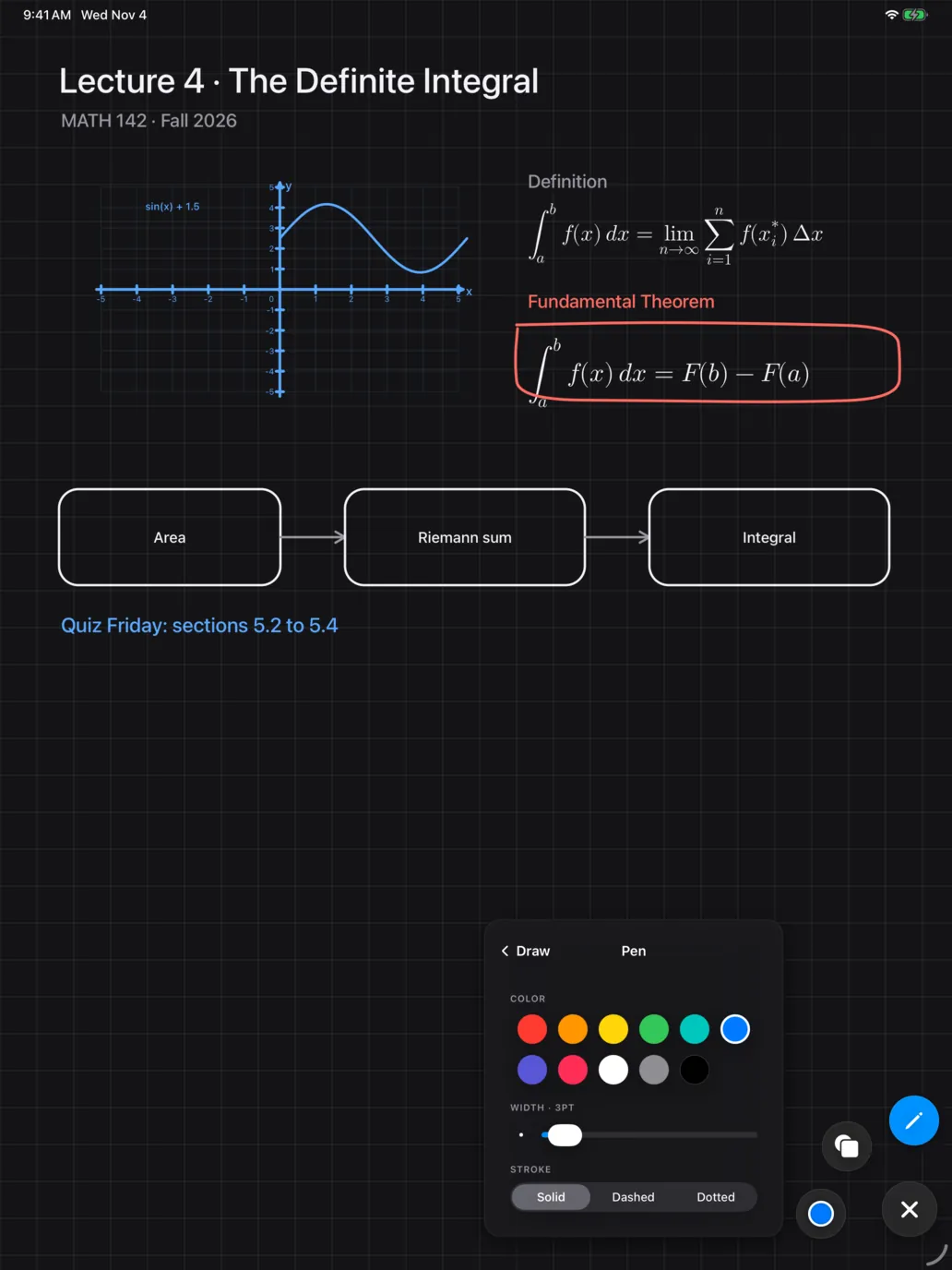
- Hold a tool for its settings — hold a tool or shape in the bubble menu to pick it and open its settings as a page of the card
- Each tool remembers — every drawing tool keeps its own thickness and stroke. The color is shared
- Object and Normal erasers — Object removes the whole of whatever it touches. Normal cuts only pen and marker ink where it passes, and shapes, text, and images stay
- A held finger works as Shift — hold a finger down while the Pencil adds a shape, line, or arrow for squares, circles, and straight lines. A palm does not count
Requirements
- macOS 15 or later on Mac; iPadOS 18 or later on iPad